Keyboard navigation for websites
Navigate
by letter.
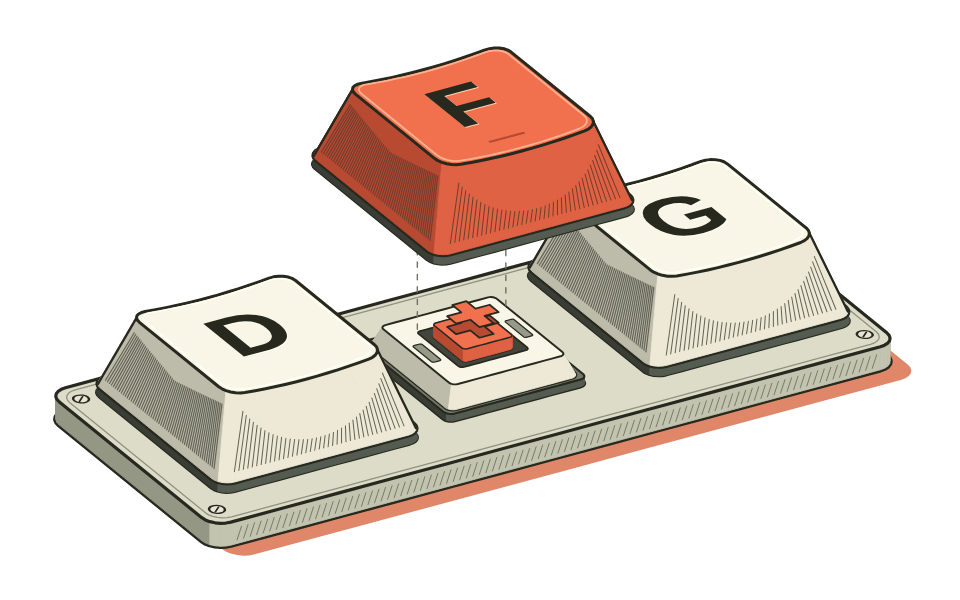
Give links and buttons short keyboard labels. Type the label beside a link to follow it, or beside a field to start writing.
fShow hints
The key guide.
Use these keys while reading. Text fields keep their usual typing behavior, and you can turn shortcuts off in the guide.
- f
- Follow a hintType a displayed label to activate its link or control.
- jk
- Scroll down or upScroll the page or the panel that has focus.
- ggG
- Jump to either endType g twice for the top. Use Shift + g for the bottom.
- Esc⌫
- Cancel or correct a hintEscape dismisses the labels. Backspace edits what you typed.
- ?
- Open the shortcut guideReview the commands and change your shortcut preference.
On your site.
Vimweb ships as a small JavaScript module with zero runtime dependencies. Visitors choose whether to enable shortcuts.
Try the templates and color palettes in light or dark mode.
Download v0.2.2 .tgzWith npm
Install Vimweb from npm.
npm install @mhariri/vimwebImport the automatic setup in your browser entry file.
import "@mhariri/vimweb/auto";Plain HTML
Unpack the archive. Copy its JavaScript files and license into a vimweb/ folder alongside your HTML file.
<script type="module"
src="./vimweb/auto.js"></script>The module adds a Keyboard shortcuts button at the end of the page.